
Attachment Component
Creating an Attachment Component
To add an attachment component in the DCF editor:
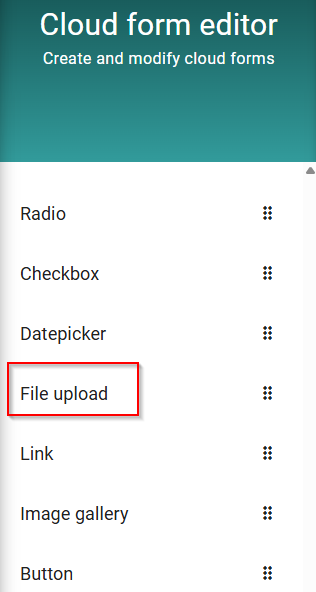
Open the DCF editor
Create a new form and select File upload as the Part
The following options are available
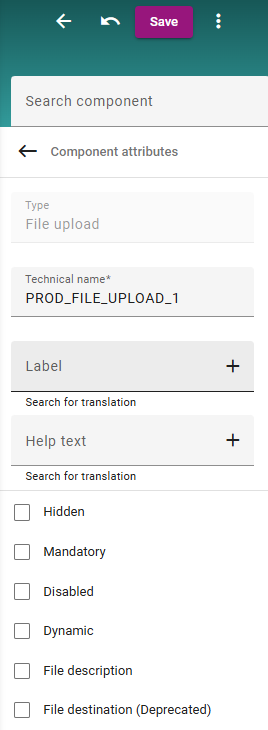
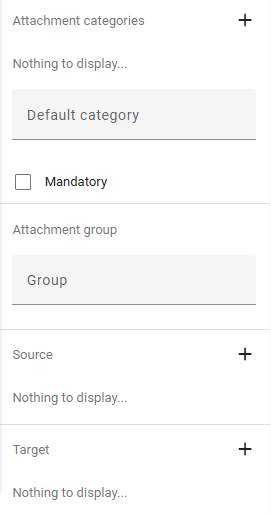
Option | Description |
|---|---|
Hidden | Hidden field (useful for fields that should just transport information) |
Mandatory | Mandatory field |
Disabled | Disbaled field |
Dynamic | Field wich is dynamic in size |
File Description | Description of the attachment file |
Attachment category | Internal or external file? |
Attachment group | Grouping of attachments |
Source | Possible to already pull a file from a previous step |
Target | Where should the file be mapped after submitting |