
Attributes Validators/ Source / Target
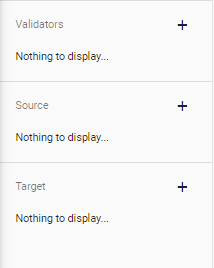
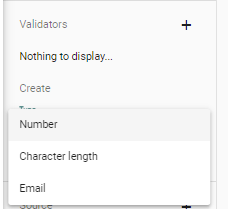
- Validators: Here it is possible so set a Validator for the selected value, in you just want a Number, a certain Char lenght or an Email for ex.
- Source: Here you are able to set a Source for the displayed Value. The source can be defined from various Sources. Usually the Source is a Catalogfile and the displayed values are linked in a Doc.Field
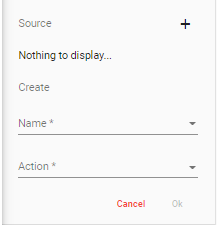
With the Plus right next to the Source Label, you are able to set the Source of the Value that should be displayed. Typically this is the Catalog-upload or "DOC" for Document.- To set the Scource, click on the first Selectbox where "Name" is displayed to select the Source of the value, in case of this example, a Catalogfile.
- With the "Action" Selectbox you are able to select the specific field from the Catalog-upload that should be mapped.
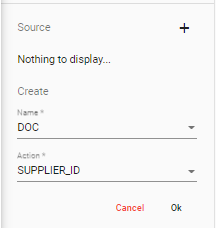
- Target: Here you are able to map the values given to a specific field in a different Object. In this Example
- Targeting works in the same manner as Sourcing, except that the Reference Objects where the data is mapped to is a Internal Object, in this Case a Product Order.
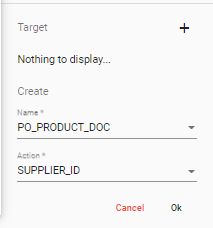
- Targeting works in the same manner as Sourcing, except that the Reference Objects where the data is mapped to is a Internal Object, in this Case a Product Order.