
Enhanced Message Search
Enhanced Message Search functionality. Finding specific communications is now faster and more intuitive, allowing you to locate messages based on their content rather than just the sender or date.
The new search functionality scans the following areas:
Subject Lines: Find messages by searching for specific titles or keywords in the header.
Message Body: Search for any word or phrase contained within the text of the message itself.
Step-by-Step Instructions
Access the Search Bar: Locate the search field at the top of your Messages
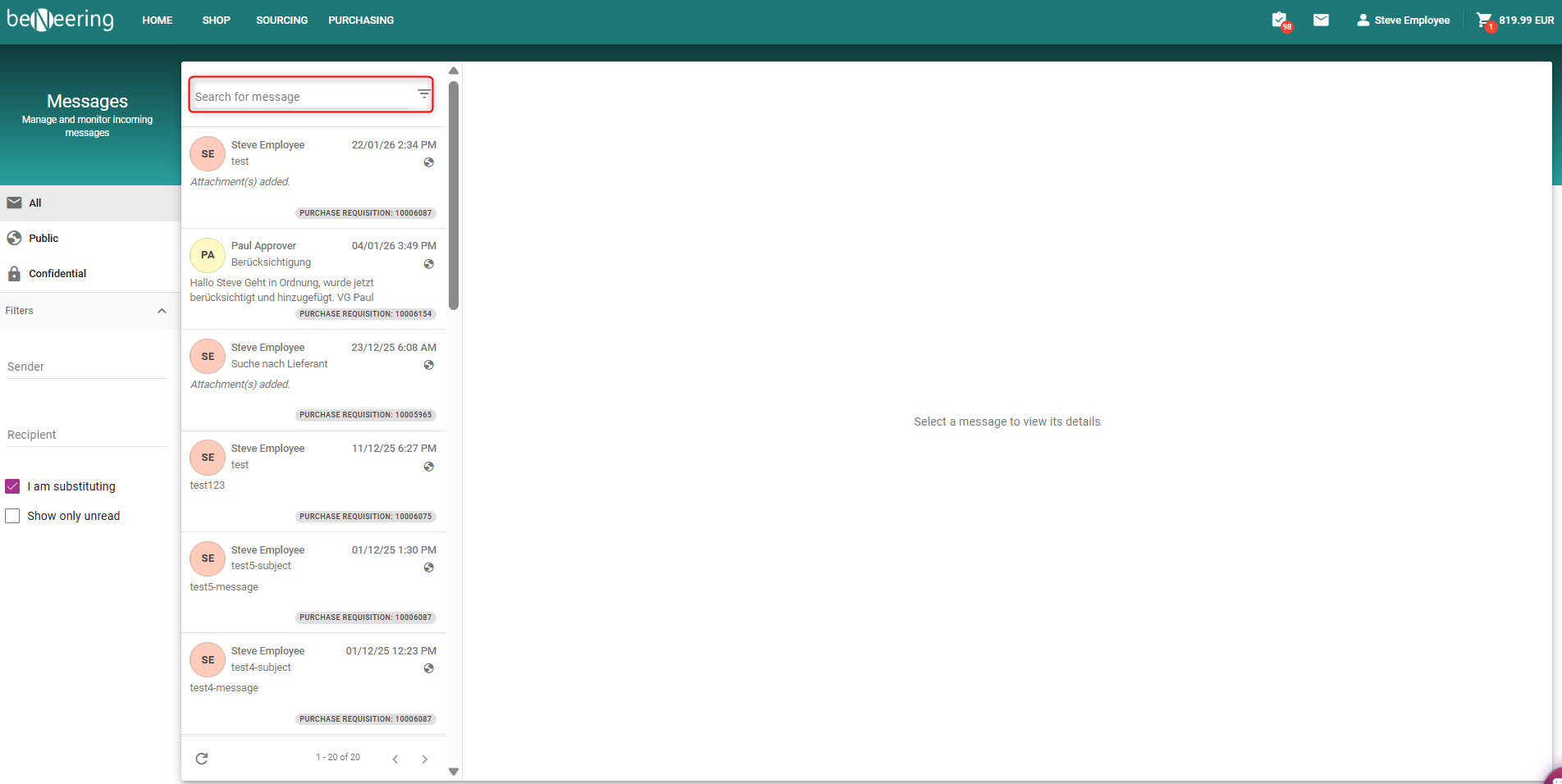
Enter Keywords: Type a specific word, phrase, or subject related to the message you are looking for
Run Search: Press Enter or click the Search icon.
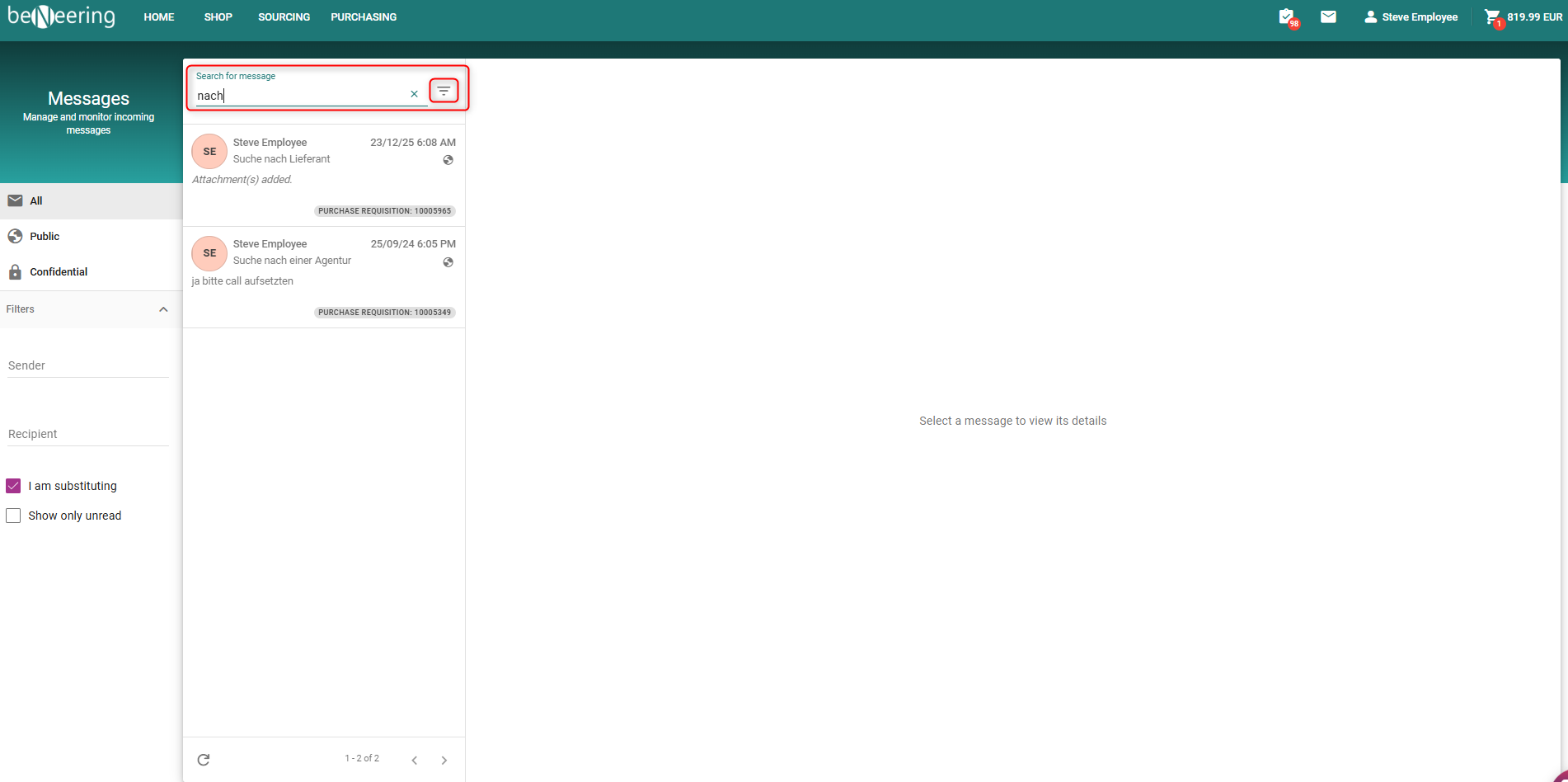
Review Results: The system will display a list of all messages where your keyword appears in either the subject line or the body.
Open Message: Click on the search result to open the message and view the highlighted content.