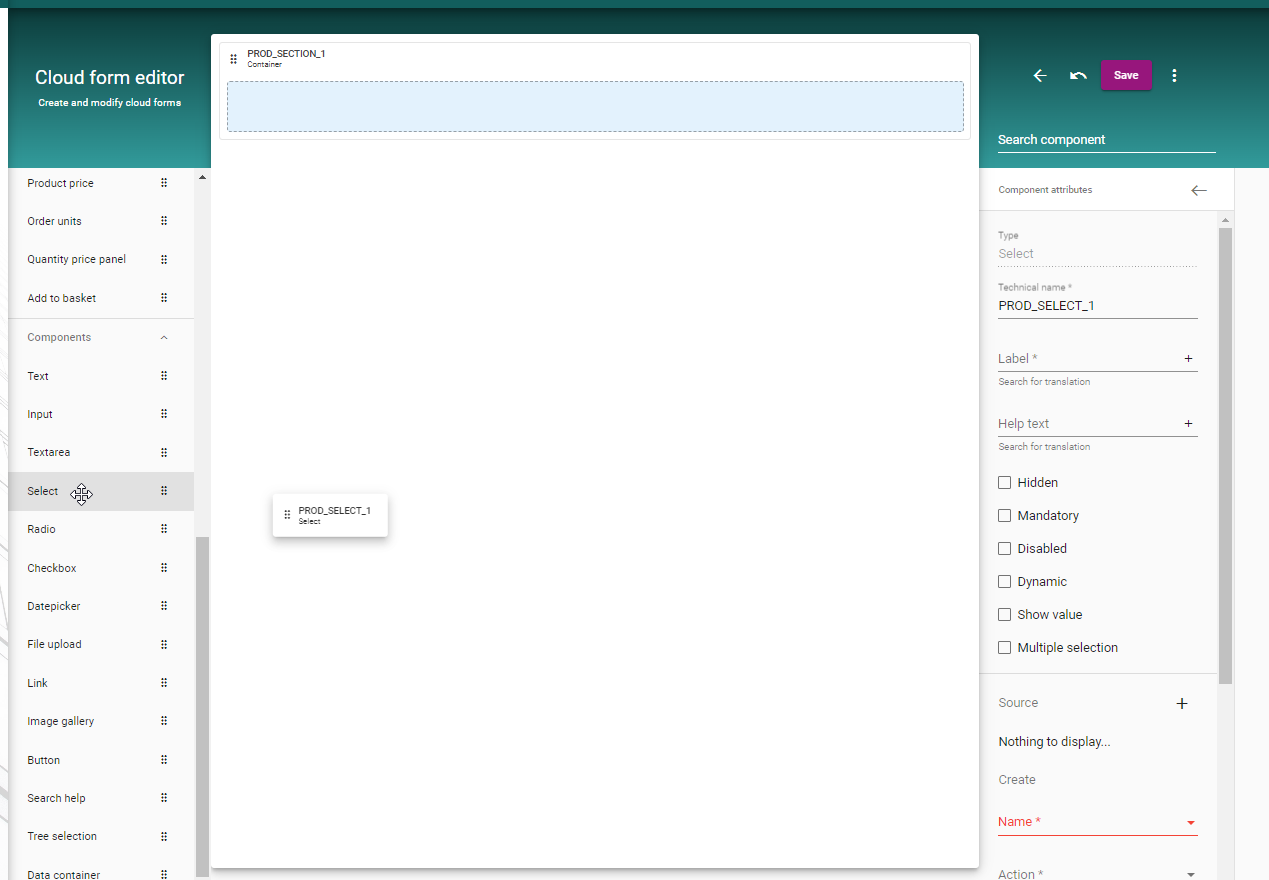
how to add a Component
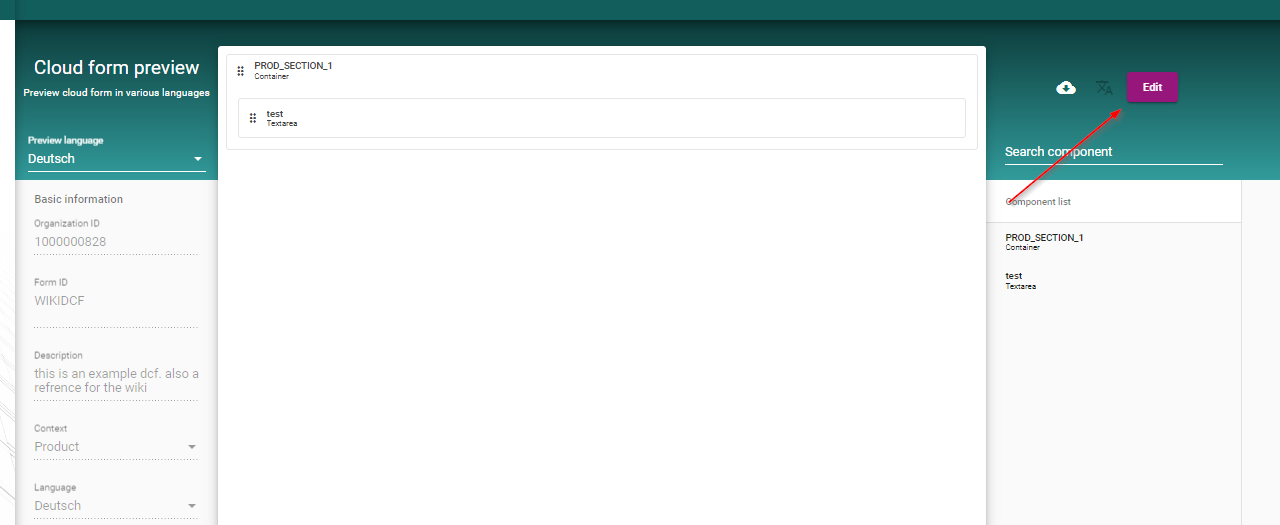
To add a Component to the Form, first you need to enable the editmode via the Button for edit in the right Top Corner.
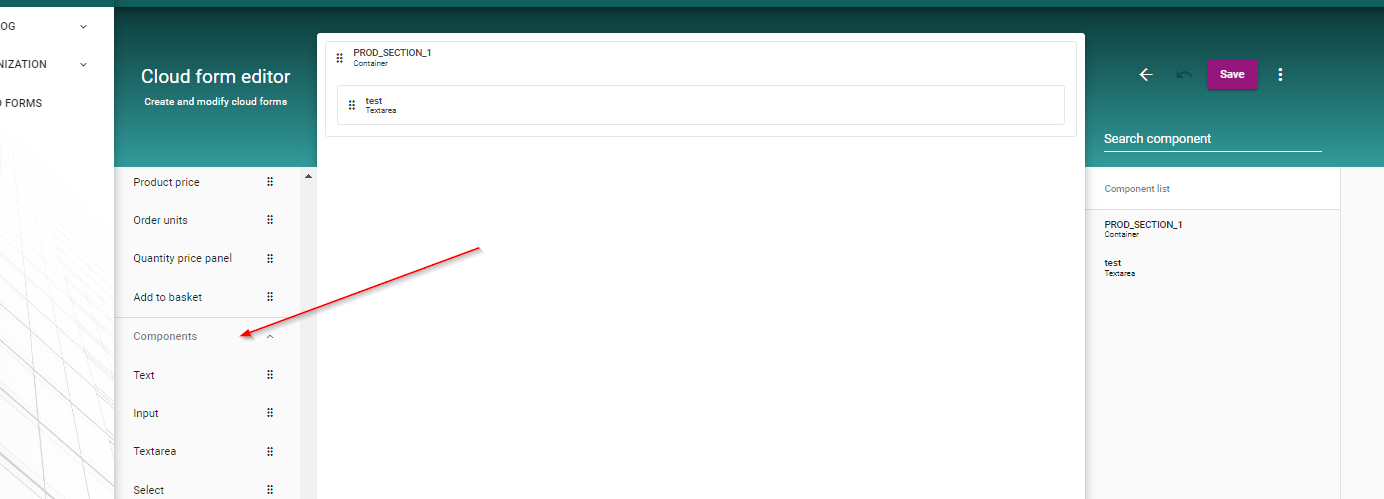
Now the Component-Menu is enabled, and new Components can be added to the Form. You can do this via Drag and Drop.
In this example, a Selectbox is put on to the Form via Drag and Drop.