
Multi-Backend Support - Switching between multiple backend systems
For companies using multiple SAP backends, the system now makes it easier and more intuitive for employees to switch between backends depending on where they need to purchase.
This ensures employees always work with the correct company, correct data, and correct approvals.
1. Switch SAP Backend in Employee Settings
Users can now update their backend directly from their profile:
Go to Employee Settings
Choose the SAP Backend you want to work with
Your shopping and approval processes will now follow the selected backend
No admin intervention required
Use this when you frequently work for different legal entities or teams.
2. Switch Backend via Cross-Company Buying Selector
A new Cross-Company Buying dropdown allows you to select the correct company before shopping.
Select the Company you want to buy for
The system automatically switches to the corresponding SAP backend
All catalogs, prices, and workflows now match the selected company
Use this when creating requisitions for multiple company codes.
3. Accurate Data and Approvals
Once a backend is selected:
You see correct catalogs
You get correct cost centers / GLs
Approvals route to the right managers in the right backend
Where to switch / make changes
Employee Settings → SAP Backend
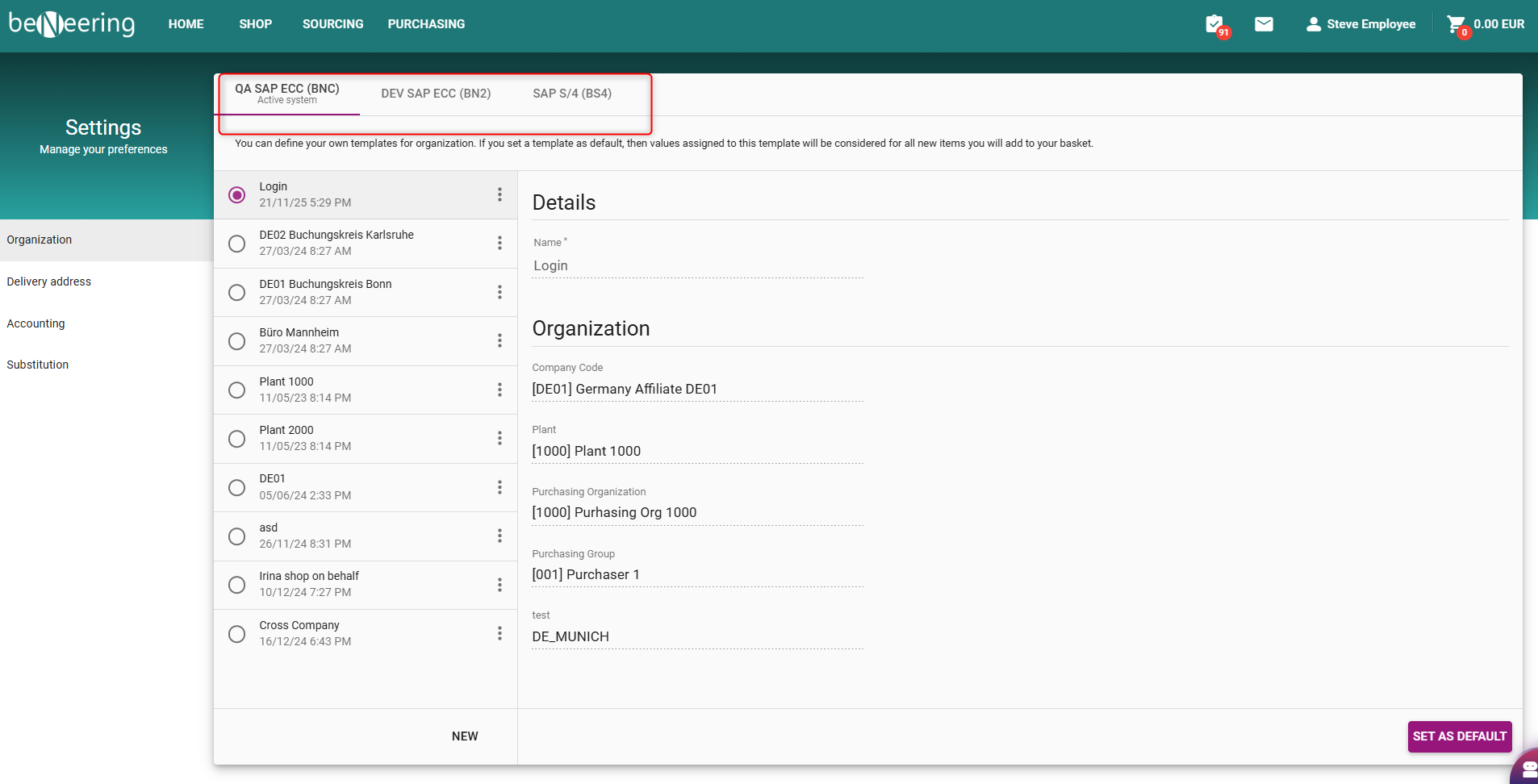
User Settings - Selecting Backend system
Shopping → Cross-Company Buying Dropdown
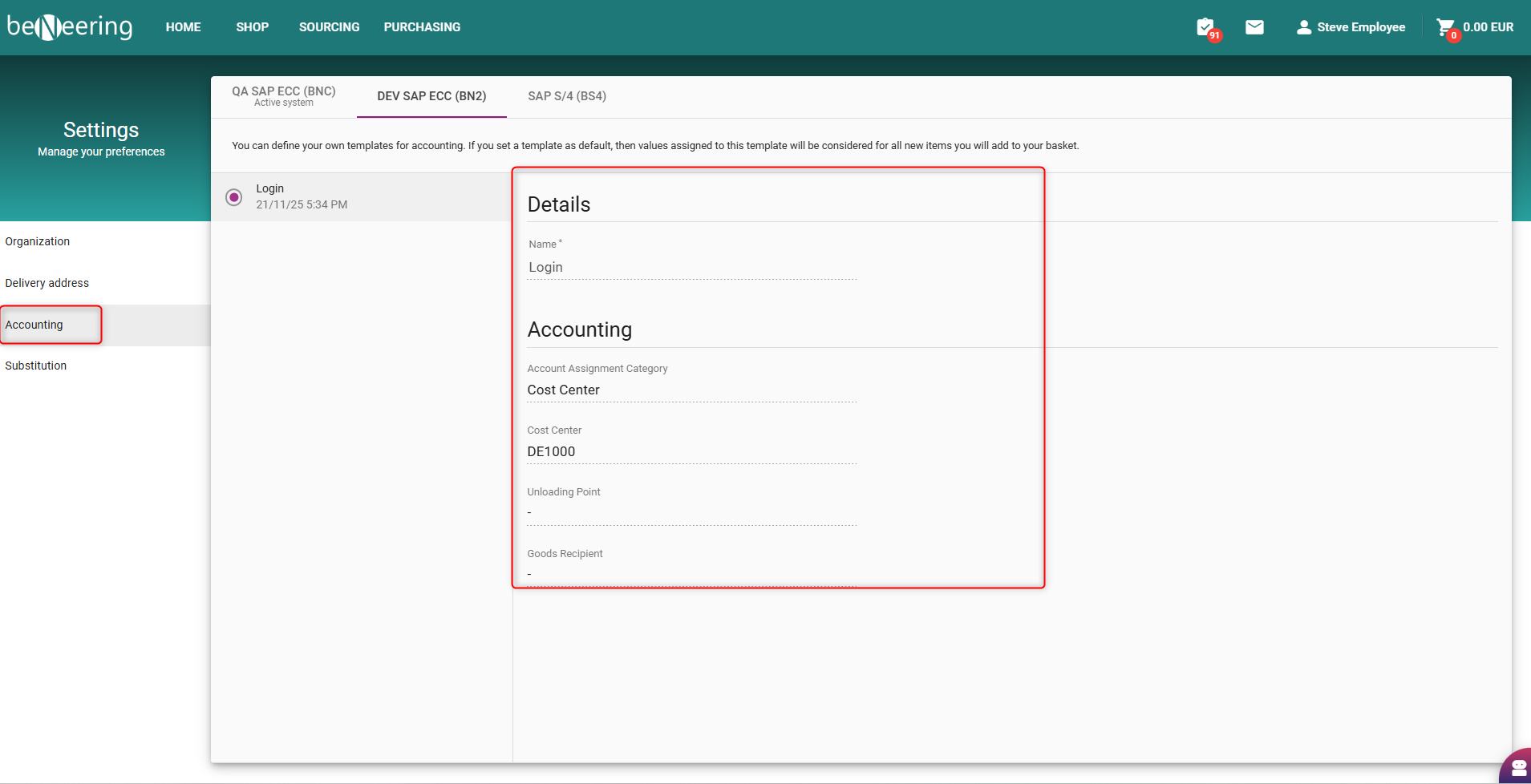
User Settings - Updating Accounting details