Reverse/Cancel Goods Receipt
Goods Receipts can not be deleted, but reversed (Canceled) via Guided Buying.
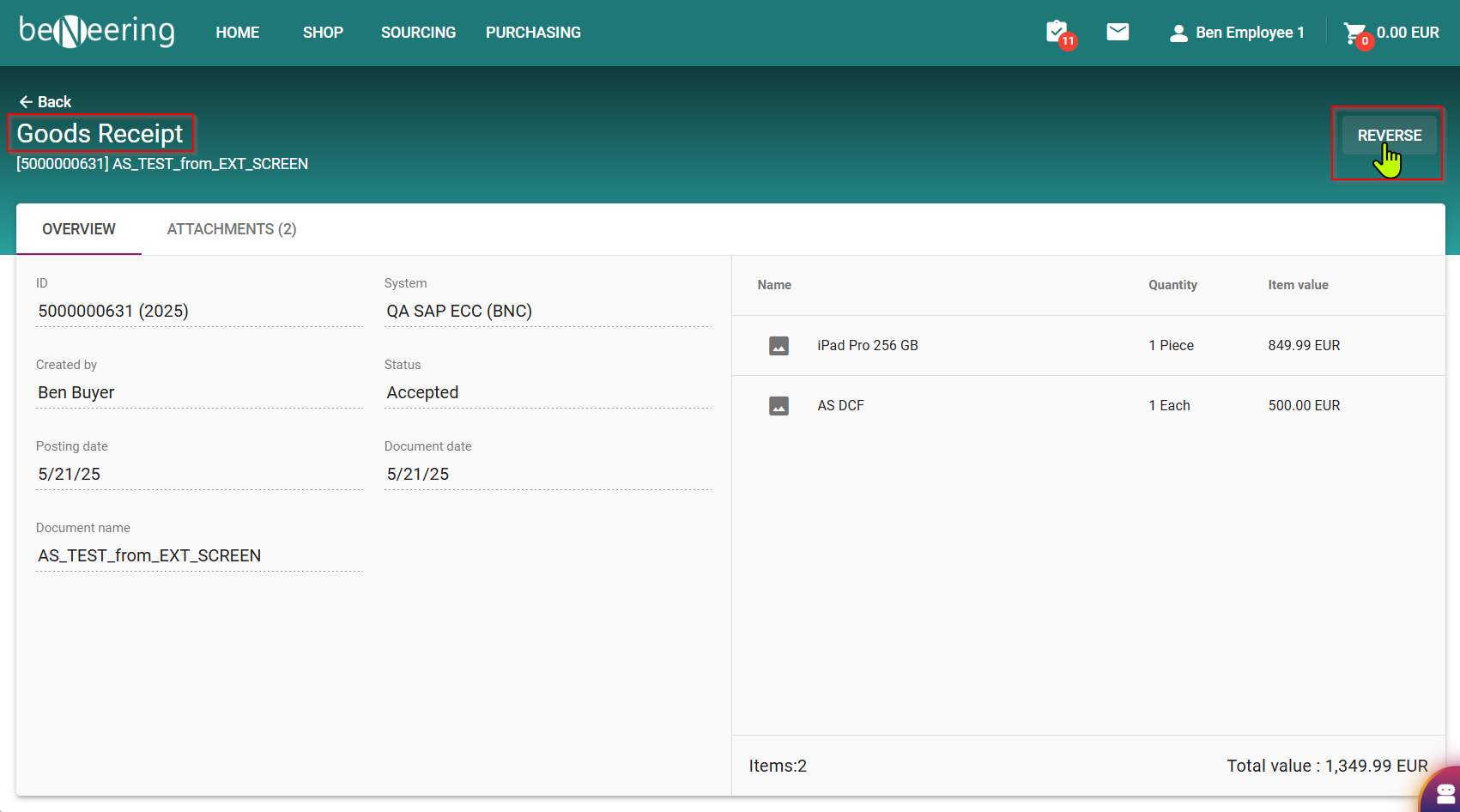
Search for the dedicated Goods Receipt and open the document.
Click on REVERSE
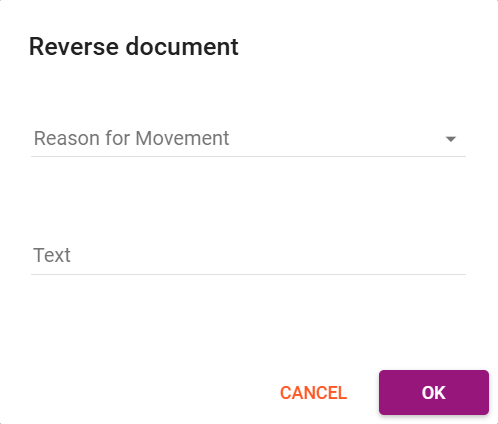
In a Popup you have to choose the reason (either “Poor quality” or “Damaged”) and you can add a text.
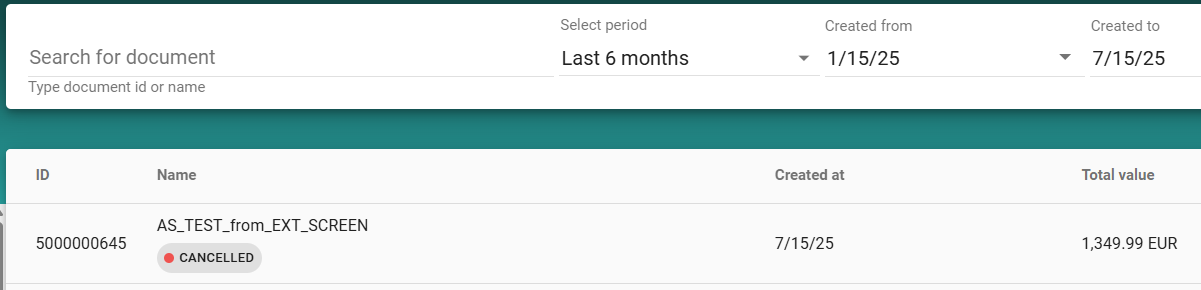
After reversing the Goods Receipt, your document will be shown as Cancelled.