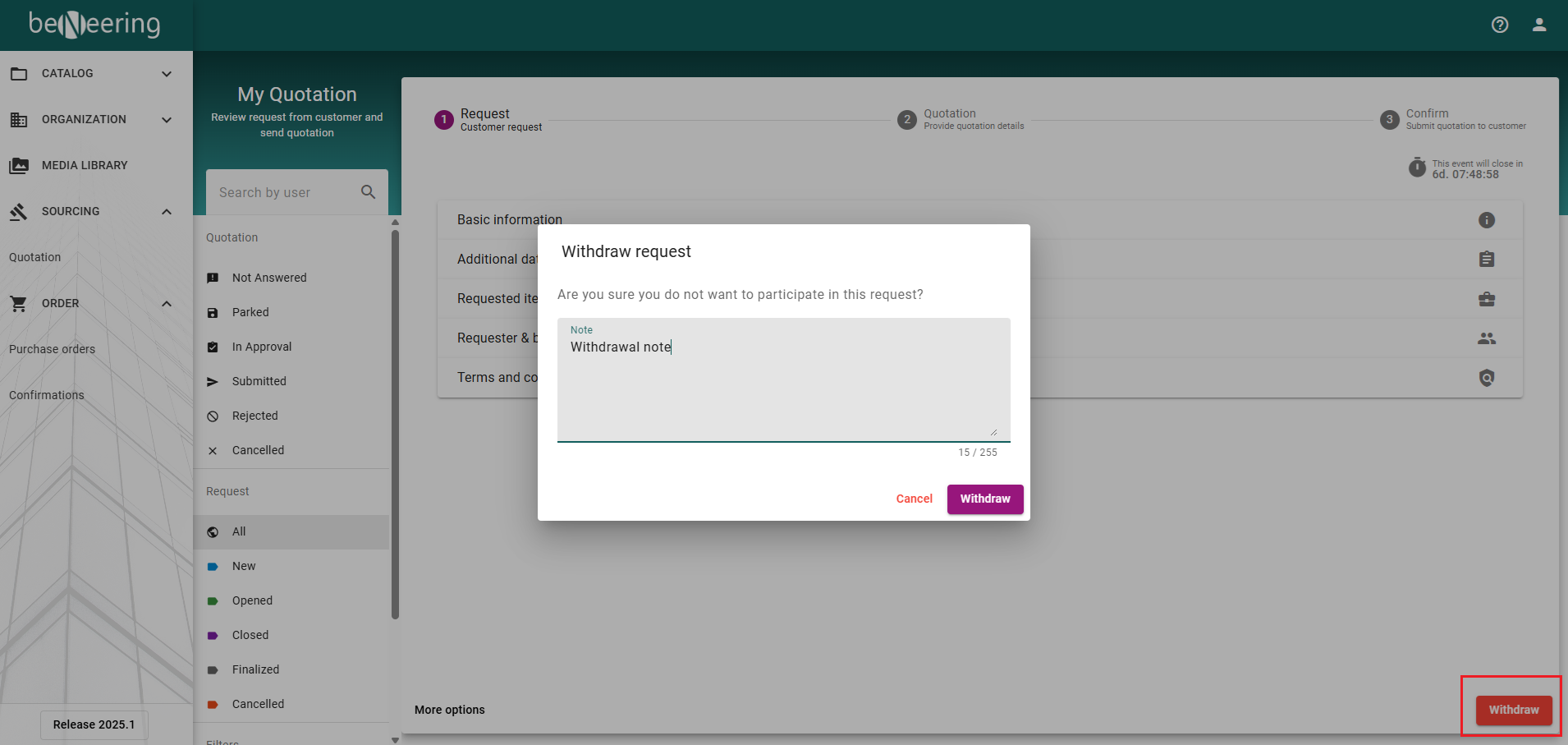
RFQ Withdraw
The new functionality enables suppliers to withdraw from a Request for Quotation (RFQ) even after it has been opened by the buyer. This gives suppliers greater flexibility to decline participation in the RFQ process when necessary
RFQ Withdrawal Process
Open the RFQ
The supplier logs in to the portal and opens the relevant RFQ.
Click Withdraw
Select the Withdraw button available on the RFQ page.
Provide a Reason (Optional)
While withdrawing, the supplier has the option to leave a message explaining the reason for the withdrawal.
Confirm Withdrawal
Submit the action to complete the withdrawal process.